




Instagram Layouts Ideas — 6 Feed Layout Styles to Inspire Your Grid

The right instagram layouts can transform a random collection of photos into a cohesive brand identity. Below are 6 proven instagram feed layout styles — from the classic checkerboard to the dramatic puzzle feed — with actionable tips for planning each look. Explore these instagram grid ideas, then try them live in the planner below.

6 Instagram Layouts to Try This Year

01

Checkerboard

Alternate between a photo post and a text/graphic tile in every slot. One of the most recognizable instagram layouts — the high-contrast pattern catches the eye immediately on your profile and makes both content types look intentional.

Tip: Use a consistent background color for your graphic posts to keep the alternating rhythm visually clean.

02

Color Story Row-by-Row

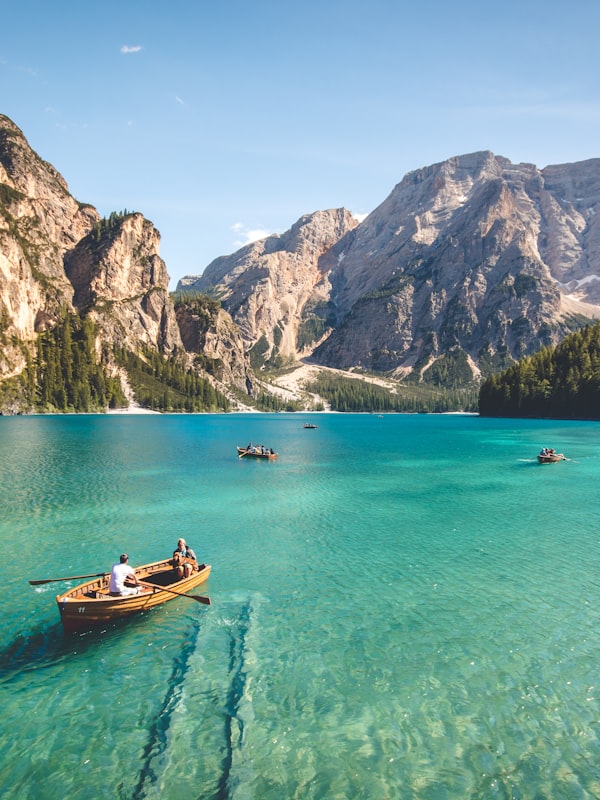
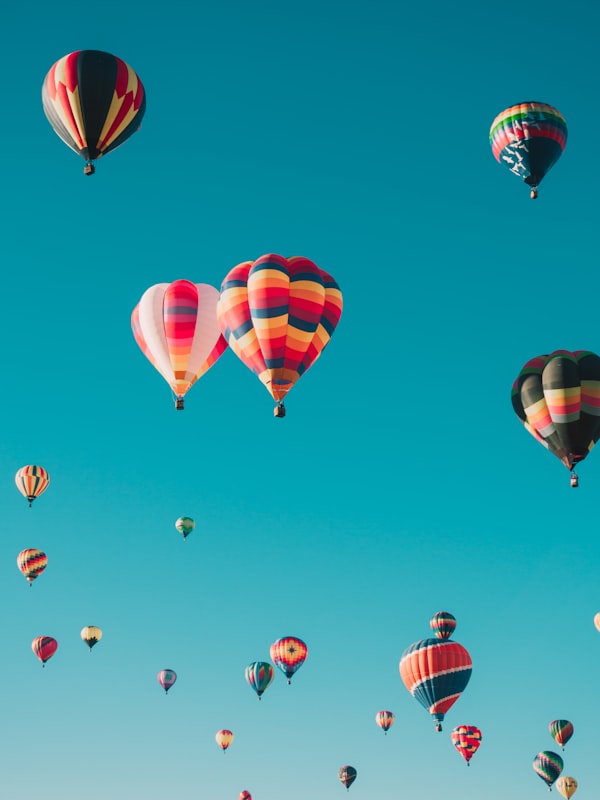
Each horizontal row shares a dominant color — cool blue in one row, warm gold in the next. Your instagram feed layout gains a cinematic, editorial feel. Works especially well for travel, fashion, and lifestyle accounts with rich photography.

Tip: Plan 3 photos at a time (one full row) so each new row has its own distinct palette.

03

White Border Grid

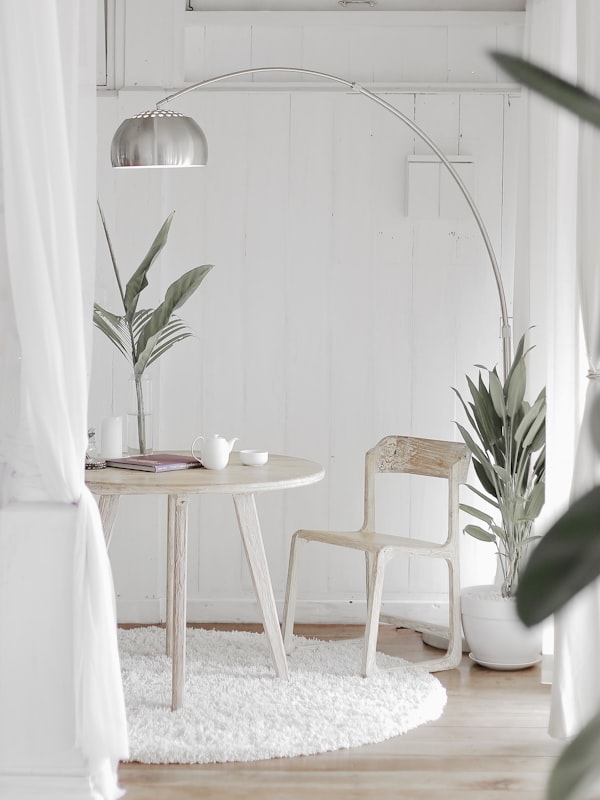
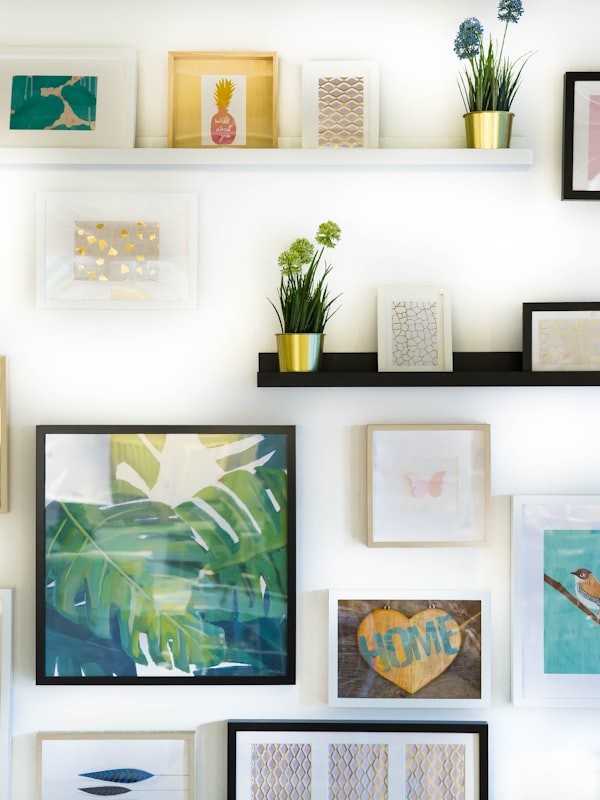
Add a consistent white border or padding around every post. Among the cleanest instagram grid ideas — the uniform borders act as a neutral frame that makes diverse photo subjects look cohesive on your profile.

Tip: Use a fixed border width (e.g. 30px on all sides) in every post to keep the grid lines perfectly aligned.

04

Puzzle Feed

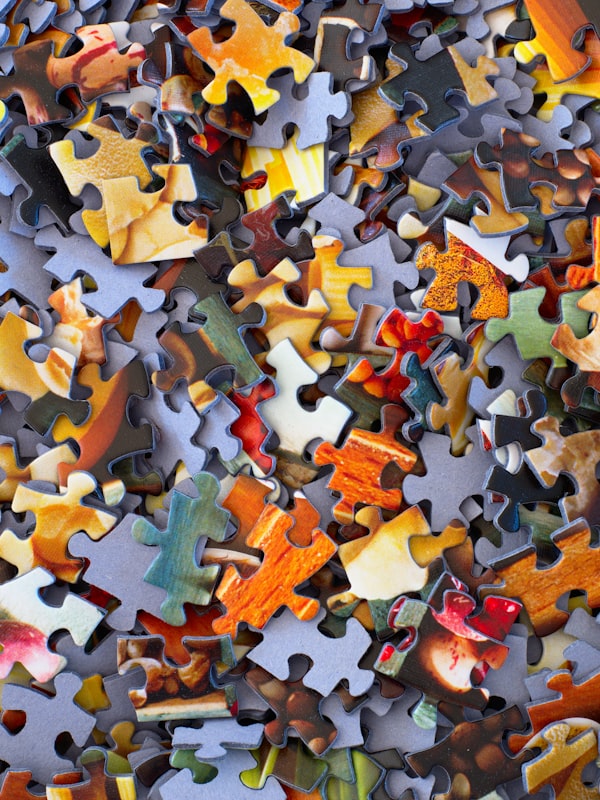
Turn your entire profile into one giant panoramic artwork. The most dramatic instagram feed layout — each post is a piece of a larger image, so the full picture only reveals itself when followers view your profile grid.

Tip: Post all tiles in reverse order (tile 9 first). Grid34Sync numbers them automatically — just upload in sequence.

05

Dark Moody Theme

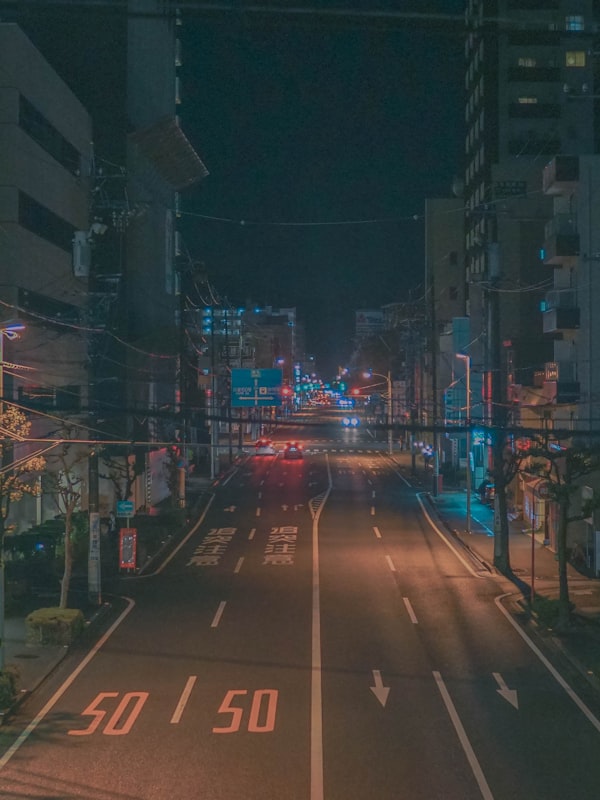
Commit to a dark, desaturated, high-contrast palette across every post. Dark moodboard instagram layouts work well for fitness, luxury, nightlife, and artistic accounts — the uniformity creates a premium, editorial feel.

Tip: Use consistent Lightroom presets or the Contrast/Saturation sliders in Grid34Sync's editor to match tones across photos.

06

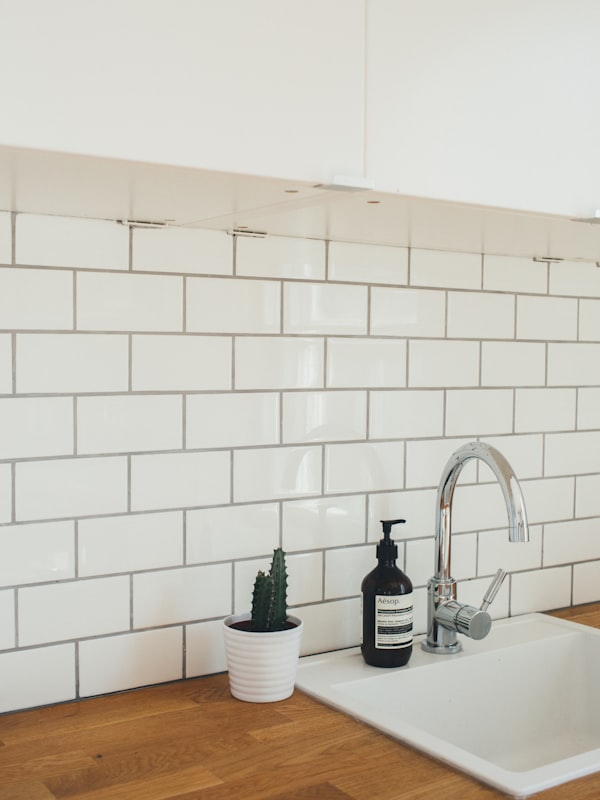
Minimal Flat Lay

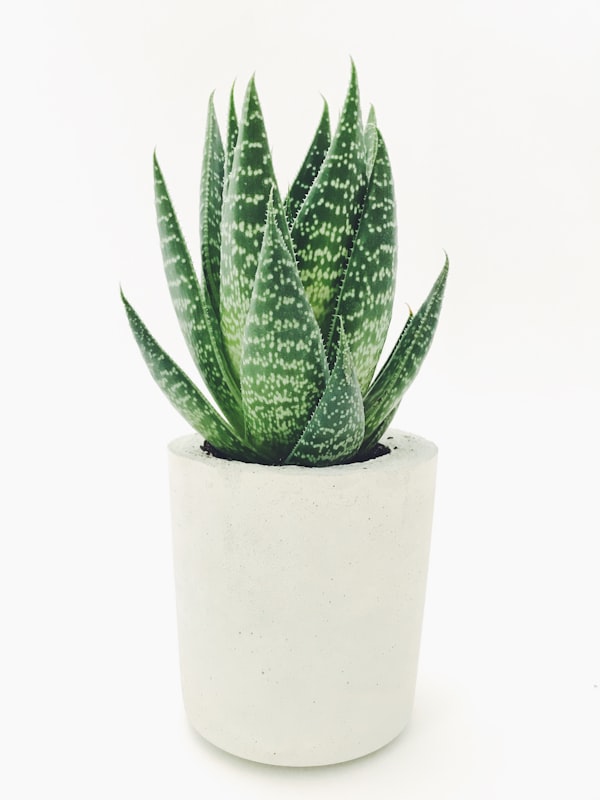
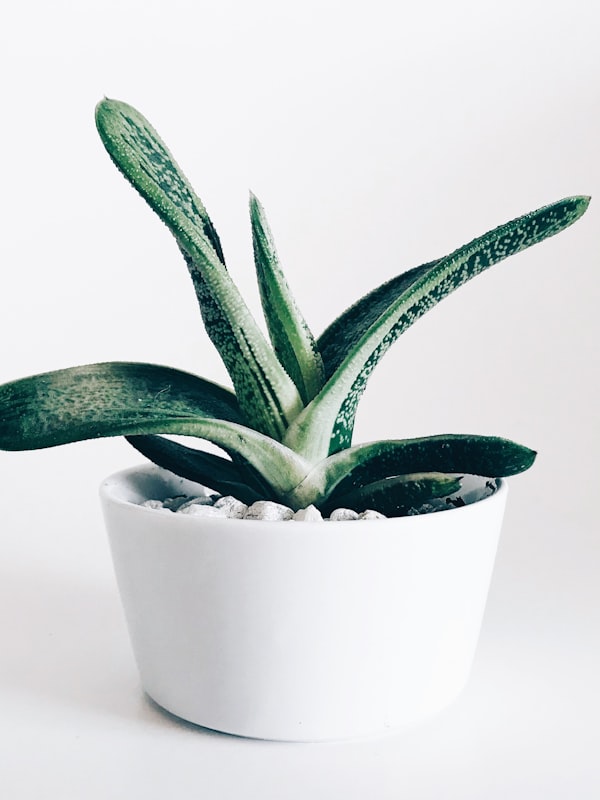
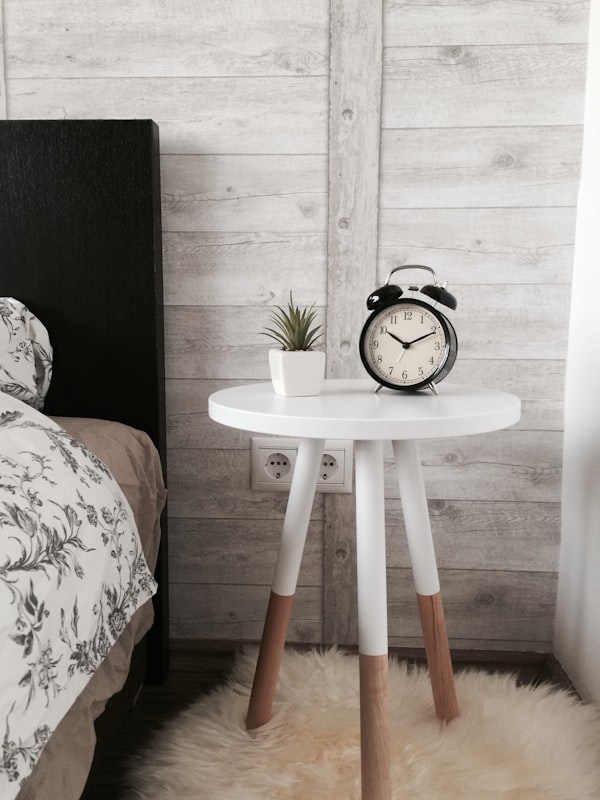
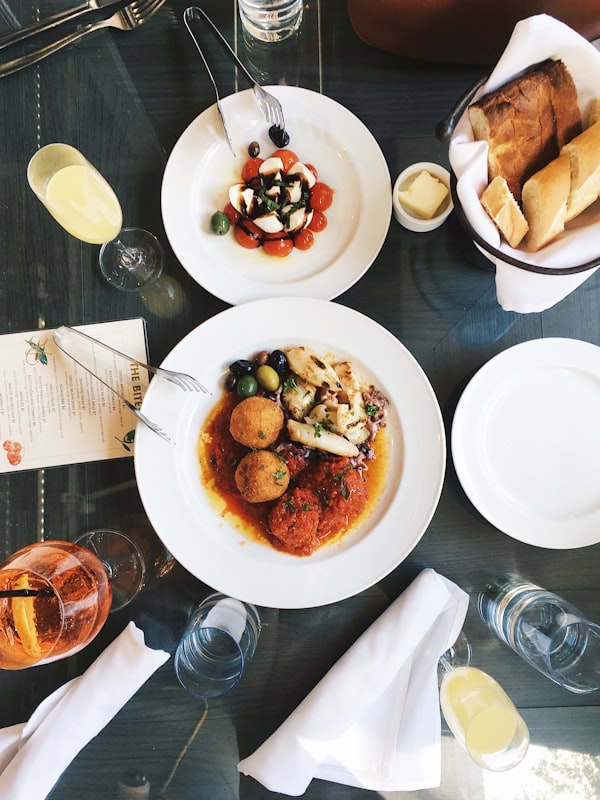
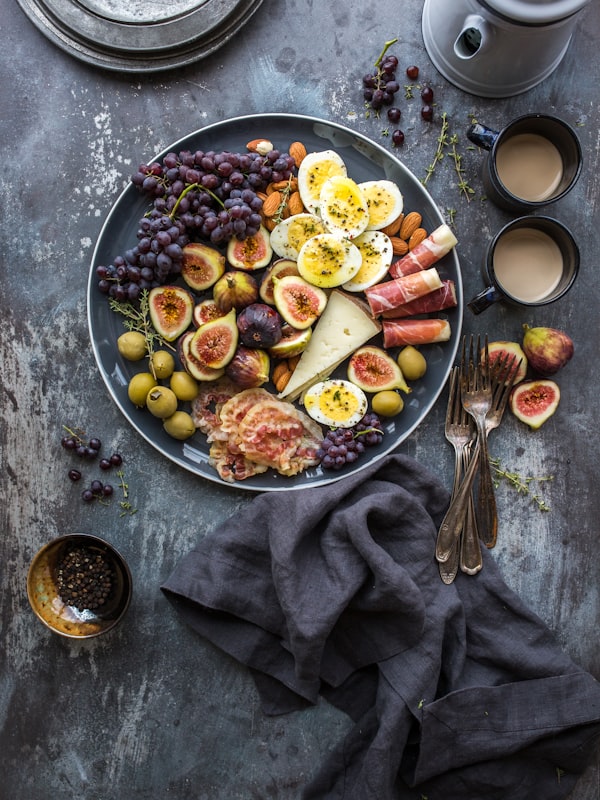
Shoot everything from above on a clean neutral background. A minimalist instagram feed layout that photographs products, food, or lifestyle objects in a way that looks effortlessly curated. Pair with plenty of white space for the cleanest instagram grid ideas outcome.

Tip: Stick to one background color per shooting session — white, linen, or marble are versatile neutrals that photograph well.

Try These Layouts in Your Browser — Free

Upload your photos below, pick a layout mode, and see exactly how your instagram feed layout will look before you post anything. No account, no watermark, entirely in your browser.

Grid34Sync Logo
Login

Post Editor

Curate your feed with intention.

Privacy mode: Your photos never leave your device. All processing happens locally for maximum privacy.

Full Grid Preview

Save crops below, then drag to reorder.

Save to Full Grid Preview to add images

Frequently Asked Questions

What are the most popular Instagram feed layouts?

The most popular instagram layouts are the checkerboard (alternating color/mono posts), the row-by-row color story (each horizontal row shares a color palette), the border feed (white or dark borders on every post), and the puzzle feed (one giant seamless panoramic image across multiple posts). Each creates a distinct aesthetic when viewed on your profile.

How do I choose the right Instagram feed layout for my brand?

Match your instagram feed layout to your brand personality. Minimalist brands do well with clean grid ideas like all-white borders or monochrome rows. Lifestyle and travel accounts benefit from color-story grids. Bold visual brands thrive with the checkerboard or puzzle feed. Test layouts in a planner before committing.

What is a checkerboard Instagram layout?

A checkerboard instagram feed layout alternates between two types of posts — typically a text/graphic post and a photo post — in a regular alternating pattern. When viewed on your profile, the contrasting posts create a grid that looks like a visual checkerboard.

How do I plan my Instagram grid ideas before posting?

Use an instagram grid planner like Grid34Sync. Upload your next batch of photos, drag them into different sequences, and preview how each arrangement looks on your profile grid — all without actually posting anything.

Is Grid34Sync free for planning Instagram layouts?

Yes — planning and previewing all instagram layouts is completely free with no account required. PRO users unlock grid screenshot exports, 4K tile downloads, and watermark-free exports.

What image size should I use for Instagram posts?

For the square 1:1 grid, use 1080×1080px. For the new 4:5 portrait grid, use 1080×1350px. For landscape posts (1.91:1), use 1080×566px. When planning a 9-grid split or puzzle feed, start with a high-resolution source image — at least 3240×3240px — so each tile exports sharply.

Can I use the same grid layout indefinitely?

Yes — consistent instagram layouts help build a recognizable brand aesthetic over time. Many successful creators maintain the same grid style for months or years. The key is planning ahead so every new post reinforces your chosen aesthetic rather than breaking the pattern.

More Instagram Grid Tools

Instagram Layouts Ideas — 6 Feed Layout Styles for Your Grid | Grid34Sync